Plans, progress and bookings
Create your clients' training plans, follow their progress and manage session bookings. All in ProgressLoop, free for both of you.
Available on iPhone. Android is coming soon, for you and your clients.

Your tools for coaching
Build their training plan
Build a plan in your client's account or send one from your library for them to add.
Follow their progress
See logged sessions, measurements and progress. Photos are visible only while your client shares them.
Manage session bookings
Set your availability and confirm or reschedule bookings. Sync them to iPhone Calendar or Google Calendar.
Log their session from your phone
Record sets for your client or follow the sets they log. Everything stays in their training history.
Send a PDF
Send a meal plan or other guidance as a PDF. Your client can open it from their Trainer tab.
Help clients find you
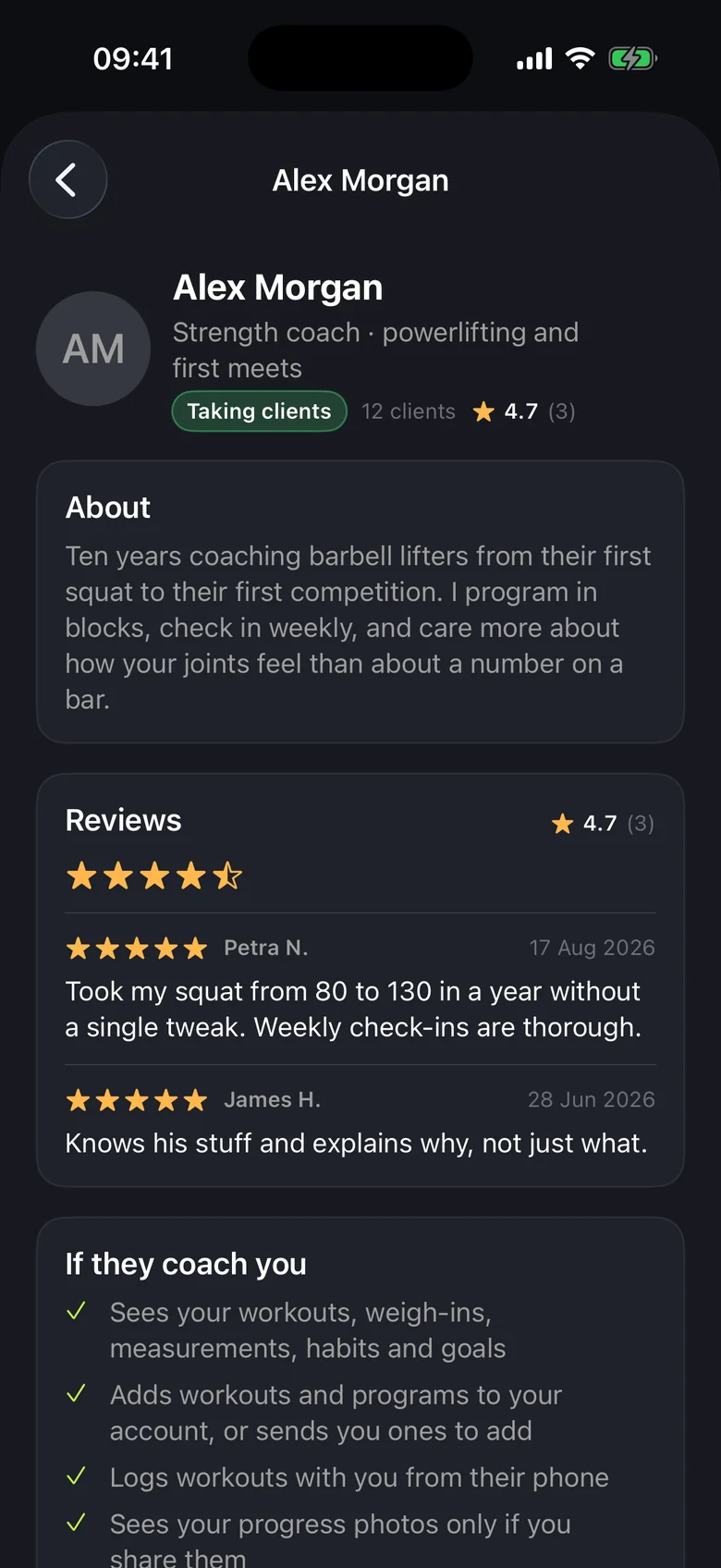
Introduce yourself, list your specialities and display client reviews in the trainer directory.
No subscription, no in-app purchases and no commission. You agree your fees and payment arrangements directly with each client.
Start coaching in three steps
Set up your trainer profile
Go to Settings, tap Become a trainer and add a short headline. You can set your availability later.
Invite your client to join
Ask them to install ProgressLoop on their iPhone, create a free account and find you by name.
Accept their request
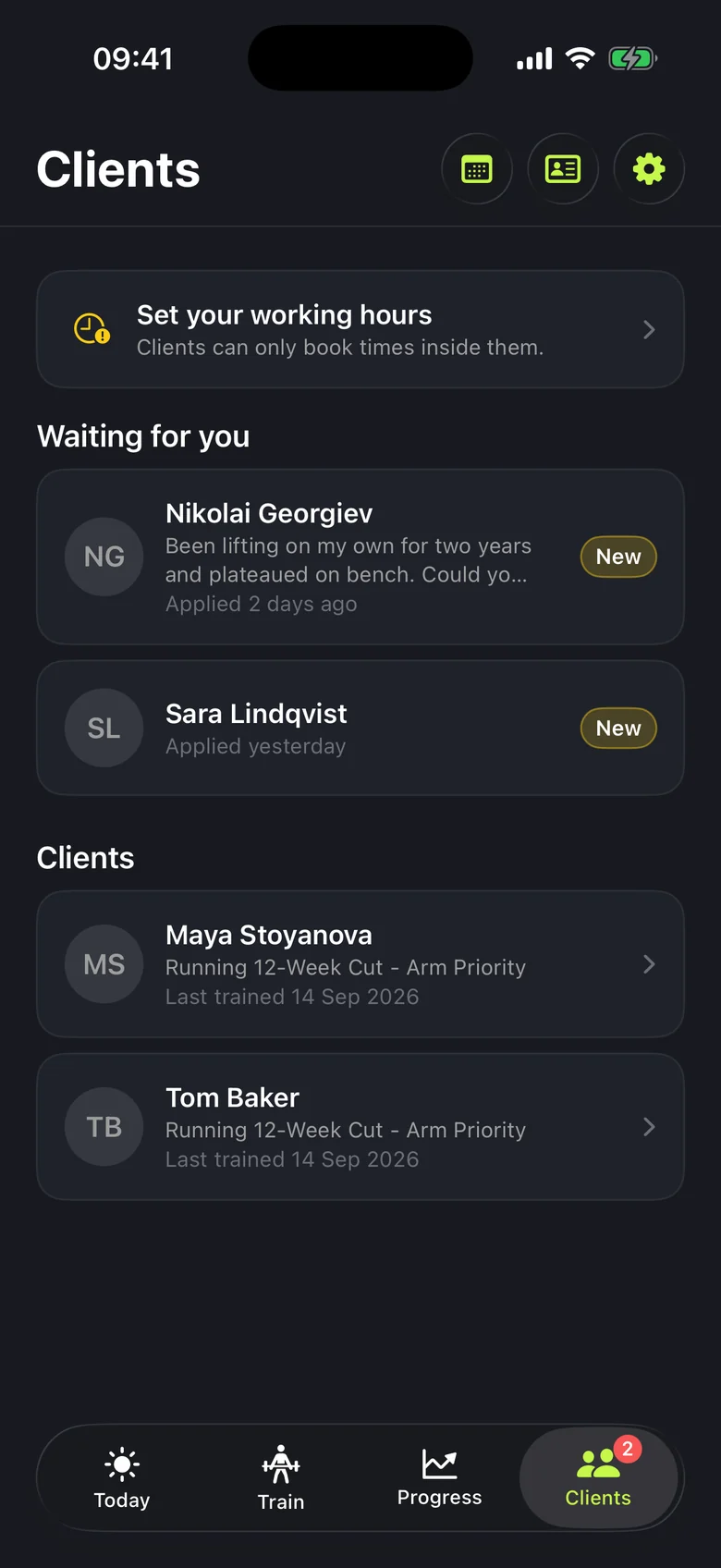
Your client sends you a coaching request. Accept it in Clients to start working together.

Before you start
Does it cost anything?
No. There is no subscription and no commission, for you or for your clients.
Do my clients need an iPhone?
For now, yes. The public Android release is coming soon.
Which languages does the app support?
English and Bulgarian. Exercise names can stay in English even when the rest of the app is in Bulgarian.
Does ProgressLoop check trainers?
No. We do not vet trainers, and clients are told to check a trainer's experience and qualifications themselves. Reviews are public: you can hide a comment from your profile, but its stars still count in your rating.
What happens when coaching ends?
You lose access to their account. Plans you've sent them remain available to them, and your upcoming sessions together are cancelled.
Start with one client
Set up your trainer profile and invite your first client to connect with you in ProgressLoop.
iPhone with iOS 26.2 or later. Apple Watch with watchOS 26.2 or later.